
Memory Timeline
Memory is the searchable timeline of knowledge Internode has collected or generated for your workspace such as Ideas, decisions, hurdles, solutions, opportunities and general information.
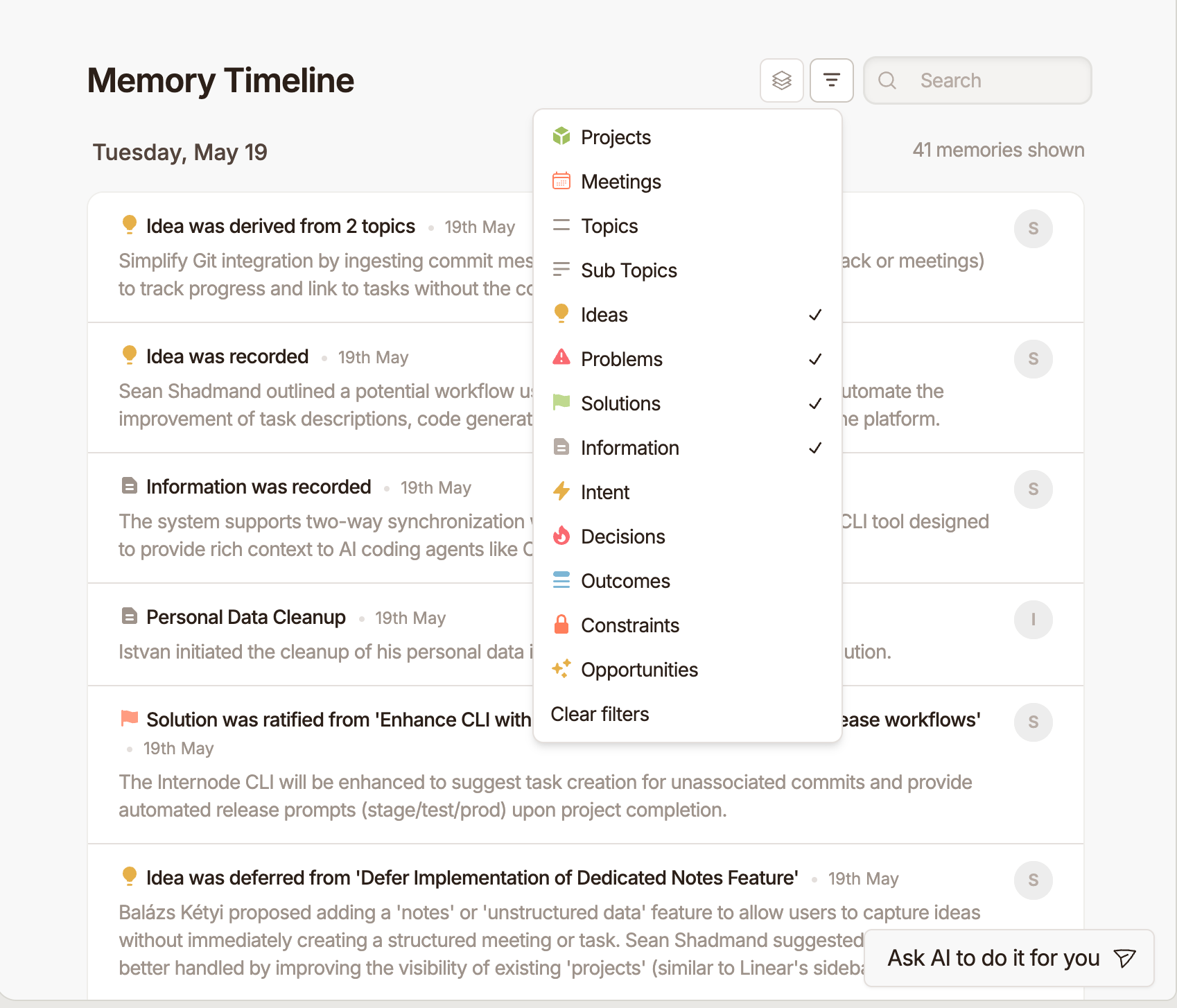
What Appears in Memory
Memory can come from:
- Meetings and meeting notes.
- Slack message imports.
- Forwarded emails.
- Uploaded or connected documents.
- Topics, sub-topics, ideas, problems, solutions, and decisions.
- Tasks and source references created from imported content.
The exact content depends on what your workspace has connected and processed.
Use the Timeline
Open Memory from the sidebar to browse recent knowledge. Use search and filters to narrow the timeline by item type or context.
Open a Memory Item
Selecting an item opens a detail view where you can review the available summary, transcript or source content, generated actions, references, and related tasks.
For source items such as meetings, messages, and emails, the detail page helps you understand where a task or decision came from.
Use Topics
Topics group related pieces of knowledge over time. A topic page can show history, related decisions, associated tasks, and source references.
Tips
Use Memory when you are trying to answer "where did this come from?" or "what has the team said about this before?" Use Tasks and Projects when you are ready to organize or act on the work.