
Internode Agents
Internode Agents let you ask questions and take action using the knowledge available in your workspace. You can run your entire work flow through an Agent if you want to stay out of the weeds.
Open Internode Agents
Choose Internode Agents from the sidebar. You can start a new chat or return to an existing thread.
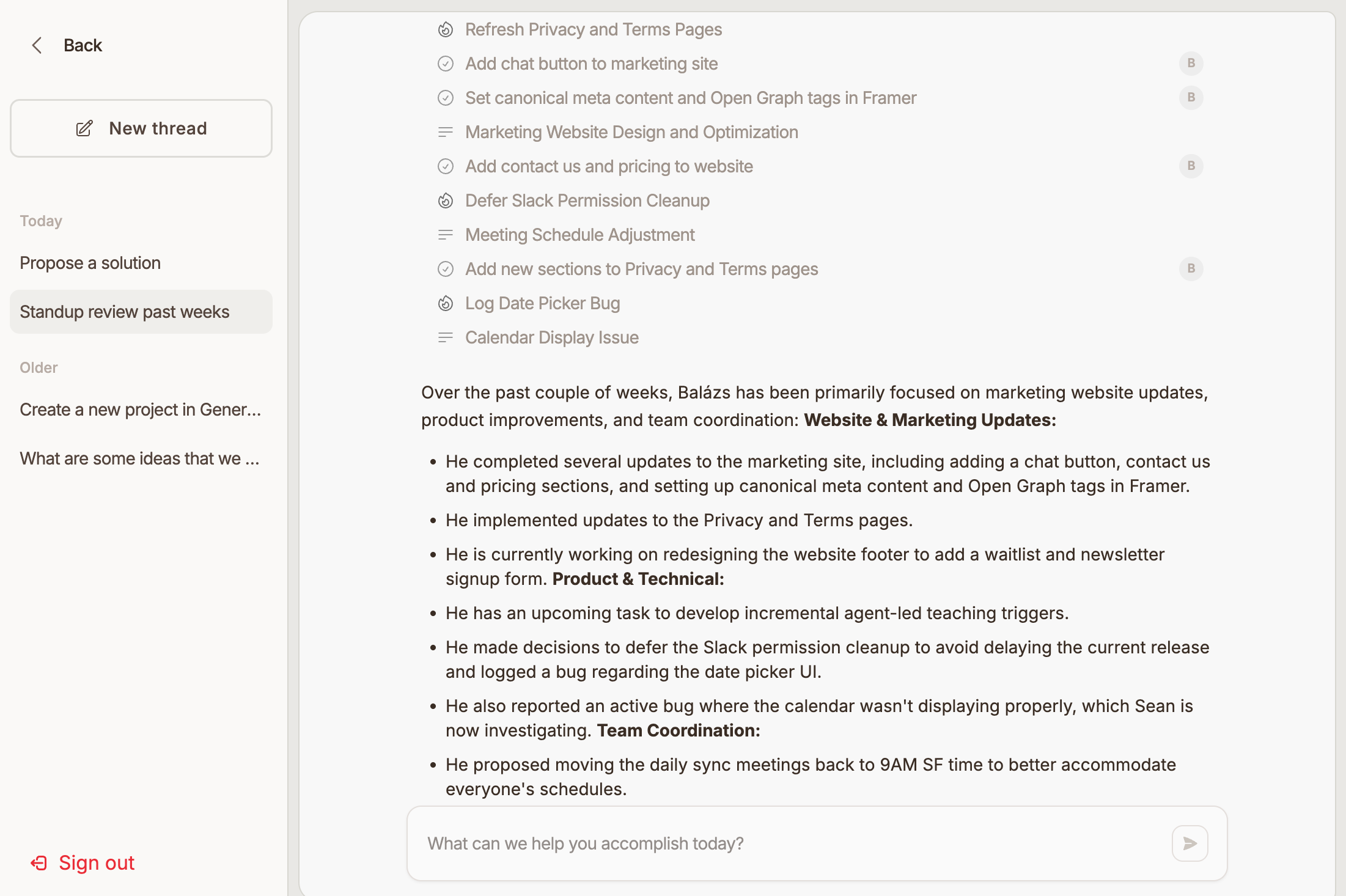
Ask a Question
- Open Internode Agents.
- Type a question or request.
- Submit the prompt.
- Review the answer and any cited references.
Good prompts include a clear topic, project, customer, document, or date range. For example, ask about decisions from a meeting, the status of a project, or the context behind a task.
Use Threads
Agent conversations are organized into threads. You can return to recent threads from the agent sidebar, rename threads, or archive threads you no longer need.
Review References
Agent answers may include references to documents, meetings, messages, tasks, or other workspace sources. Open references when you want to verify the answer or continue from the source material.
Review Proposed Actions
When an agent suggests changes or follow-up actions, review the proposal before approving it. Available proposal types depend on your workspace data and enabled integrations.
Tips
Use Internode Agents for research, synthesis, and follow-up questions. Use Tasks and Projects for direct work management after you know what needs to happen.